
Introduction
What Bast is, how it fits into your SSH workflow, and what you can do with it.
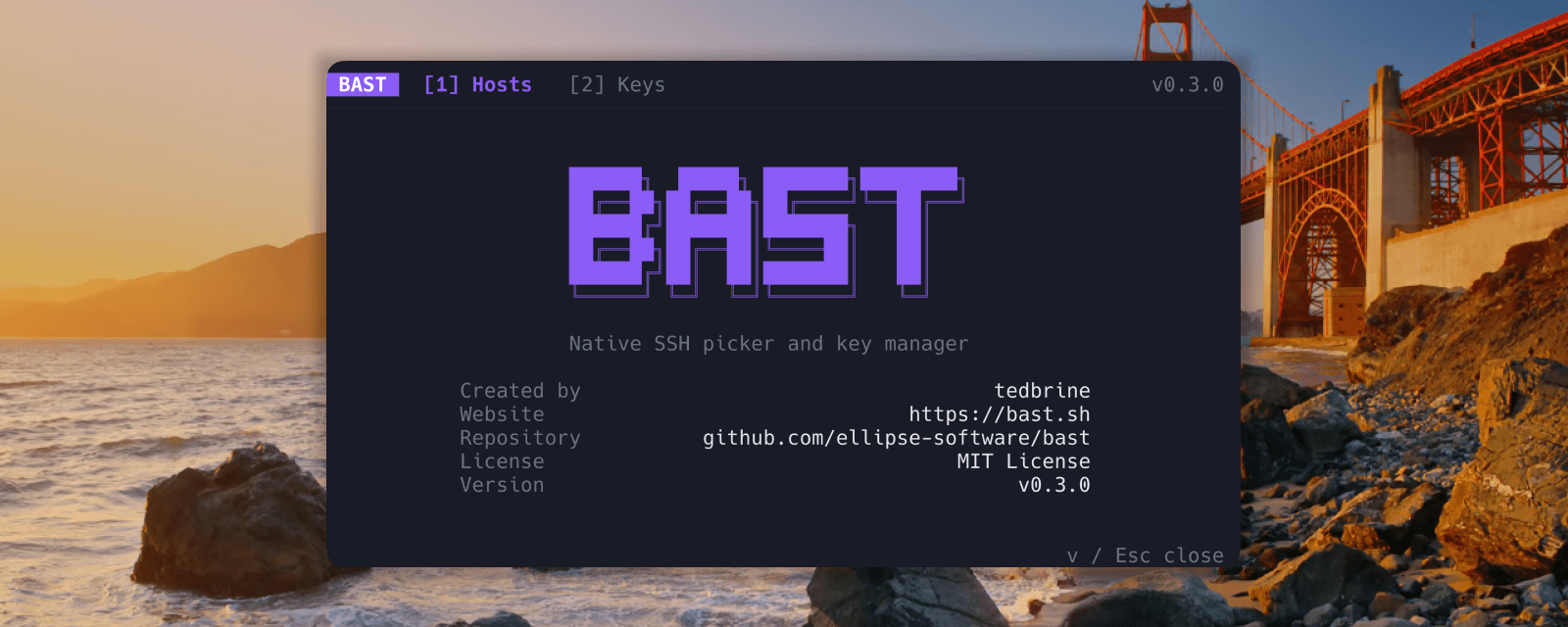
Bast is a terminal app for browsing SSH hosts, managing keys, transferring files, and connecting fast. Run bast and you get a full-screen interface with hosts, keys, Vault, cloud sync, and Files. Pick a server, press Enter, and Bast hands off to your system ssh binary.
No custom protocol and no hidden database. Bast reads the SSH configuration you already have, adds presentation metadata on top (groups, tags, favorites, notes), can import cloud VMs as read-only hosts, and keeps OpenSSH as the source of truth.
What you can do
- Browse and search every host in your SSH config, including
Includefiles - Add, edit, favorite, and hide hosts with groups, tags, colors, and notes
- Sync hosts from GCP, AWS, Azure, Boat, Upstash Box, Vercel Sandbox, and Hetzner Cloud
- Sync Bast-managed hosts and keys between machines with Vault (end-to-end encrypted)
- Browse and transfer files over SFTP in a dual-pane Files tab
- Generate, import, export, and install SSH keys from the same interface
- Connect with one keypress, or jump straight in from the shell with
bast <label> - Use Bast from a phone or narrow terminal: the TUI switches to a mobile layout below 60 columns
- Automate everything through the CLI with optional JSON output
Requirements
- macOS, Linux, or Windows 11. WSL uses the Linux build.
- OpenSSH:
ssh,ssh-keygen,ssh-add - A Nerd Font is recommended for some glyphs, but Bast works without one
Quick start
Install Bast first: Installation.
| Command | What it does |
|---|---|
bast | Open the host picker |
bast update | Update Bast when installed via the bast.sh script |
bast doctor | Diagnose SSH config, keys, and Bast setup |
bast <label> | Connect directly to a host label |
bast "Production web" | Labels with spaces work |
bast hosts list | List hosts without opening the TUI |
bast keys list | List SSH keys without opening the TUI |
bast sync gcp | Import GCP VMs into Bast |
bast sync aws | Import Amazon EC2 instances into Bast |
bast sync azure | Import Azure Linux VMs into Bast |
bast sync boat | Import Boat hosts into Bast |
bast sync upstash | Import Upstash Box hosts into Bast |
bast sync vercel | Import Vercel Sandboxes into Bast |
bast sync hetzner | Import Hetzner Cloud servers into Bast |
bast vault login | Link this machine to encrypted Bast Vault |
bast completion <shell> | Print a shell completion script |
Press ? inside the TUI for the full keyboard reference. The first TUI launch on a machine with no hosts is a skippable start chooser. See First launch.
AI agents
Using Bast with Cursor, Claude Code, or Codex? Install the agent skill with npx skills add ellipse-software/bast -g -y, or point your agent at llms.txt.